
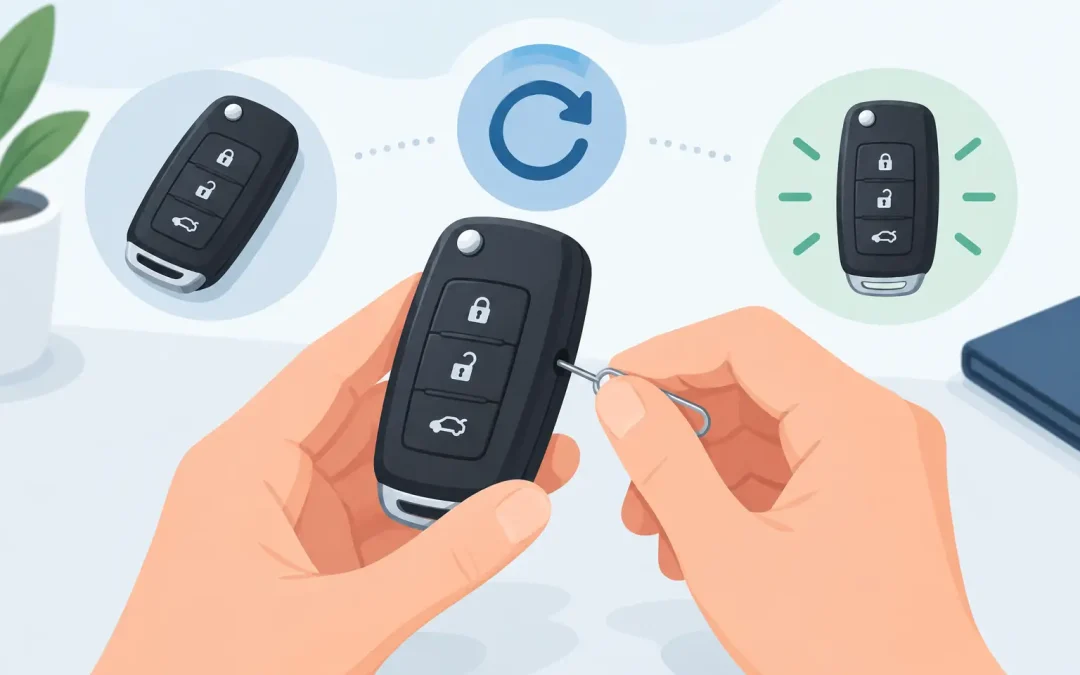
Your remote fob worked yesterday. Now the doors will not unlock, the car will not start, or the buttons only work when you are standing beside the vehicle. Before assuming the fob has failed completely, it helps to know how to reset a remote fob safely – and when a reset is unlikely to solve the problem.
Modern vehicle keys are not just simple remotes. Many contain a battery, circuit board, transponder chip, and security coding tied to your vehicle. A basic battery change or fob reset can fix some faults. Random online programming instructions, however, can waste time and may leave you with a key that still will not start the car.
First, work out what has actually stopped working
A remote fob usually performs two separate jobs. The remote buttons lock and unlock the doors, while the transponder chip communicates with the immobilizer and authorizes the engine to start. Those systems are related, but they are not always repaired in the same way.
If the vehicle starts normally but the lock and unlock buttons do nothing, the issue may be a flat battery, worn buttons, water damage, or lost remote synchronization. If the buttons work but the engine will not start, the problem may involve the transponder chip, vehicle immobilizer, or ignition system. If neither function works, start with the fob battery and inspect the key carefully before trying anything more involved.
Also test any spare key you have. A working spare tells you the vehicle itself is likely fine and puts the focus on the faulty fob. If both keys have suddenly stopped working, the cause may be with the vehicle battery, receiver, central locking system, or immobilizer rather than the keys.
How to reset a remote fob with basic checks
There is no single reset procedure that works for every make and model. Some older vehicles allow a limited owner programming sequence using the ignition and door locks. Many newer cars, vans, and proximity keys need diagnostic equipment to be programmed correctly.
That said, these basic checks are sensible and low-risk.
Replace the fob battery correctly
A weak battery is the most common reason a remote fob becomes unreliable. The signal range may get shorter before the buttons stop working altogether. Use the battery type printed inside the fob or listed in the vehicle handbook, and fit a new, good-quality battery with the positive and negative sides in the correct position.
Open the case carefully with a suitable small tool. Forcing it can crack the housing, damage the circuit board, or dislodge a tiny transponder chip. On some keys, that chip is separate from the remote board. If it falls out or is accidentally thrown away during a battery change, the remote may operate the locks but the vehicle may no longer start.
Once the new battery is fitted, press each button and try the fob close to the driver door. If it works only at close range, check that the battery contacts are clean and touching firmly. A new battery cannot compensate for bent contacts, moisture, or a damaged circuit board.
Try the vehicle’s normal starting position
For a push-button start vehicle, hold the fob directly against the marked backup start area, which is often near the steering column, center console, or start button. The exact location depends on the model. Many vehicles have a short-range backup reader that can detect the transponder when the fob battery is weak.
For a traditional ignition key, insert the key and try starting the vehicle as normal. If it starts, but remote buttons still do not work, you are dealing with a remote function issue rather than a complete key failure.
Power-cycle only when the handbook supports it
Some drivers disconnect the vehicle battery in the hope of resetting the central locking system. This is rarely the first answer. Disconnecting power can reset radio settings, clock settings, electric window calibration, and other stored functions. On certain vehicles, it can create additional faults or require security codes.
Only use a battery-disconnect procedure if your vehicle manual specifically recommends it for the fault you have. A fob that needs reprogramming will not usually be repaired by removing the car battery terminal.
When an owner reset procedure may work
Certain older vehicles use an ignition cycling sequence to resynchronize the remote. The steps may involve turning the ignition on and off a set number of times, pressing a button on the fob, then waiting for the door locks to cycle. This can work after a battery replacement on the right vehicle.
The trade-off is that sequences are extremely make- and model-specific. A procedure for one year of vehicle may not apply to the next year, even if the cars look nearly identical. Repeatedly trying generic instructions from videos or forums can be frustrating, and it may not address the real fault.
Use the owner manual for your exact vehicle, including the model year. If it gives a clear remote synchronization procedure, follow it precisely once or twice. If there is no response from the locks, stop there. Do not keep cycling the ignition for half an hour hoping the vehicle will suddenly enter programming mode.
Signs your remote fob needs more than a reset
A reset is not a repair for physical damage or security coding faults. Professional attention is usually the sensible next step when you notice any of the following:
- The fob has been through a washing machine, dropped in water, or exposed to heavy rain.
- Buttons feel loose, split, sticky, or only work when pressed in a particular spot.
- The car displays a key, immobilizer, or no-key-detected warning.
- The vehicle will not start even with a fresh fob battery and the emergency backup start method.
- A replacement shell was fitted and the original transponder chip may be missing.
- You have lost all working keys or the only key has snapped, been crushed, or stopped communicating.
Water damage deserves quick action. Remove the battery, do not keep pressing buttons, and avoid applying direct heat. Heat can distort the case and damage components. Drying a wet fob may help in limited cases, but corrosion on the board can continue after it appears dry.
Why replacement fobs are not always ready to use
Buying a replacement remote online can look like a quick fix, but the key has to match more than its shape. It must have the correct frequency, chip type, blade profile where applicable, and programming compatibility for the vehicle. A fob that looks identical may still be wrong internally.
Even when the replacement is correct, it often needs to be programmed to the vehicle. The mechanical blade may also need cutting before it can open the door or turn the ignition. Keyless and smart fobs can require more advanced programming than older button remotes.
This is where a vehicle key specialist can save a lot of trial and error. They can test whether your original fob is transmitting, confirm whether the transponder is recognized, supply a compatible replacement if needed, cut the key, and program it at the vehicle. For a driver who relies on a van for work or needs to get children to school, that is usually far less disruptive than waiting on a dealership appointment.
Protect yourself from the next fob failure
Once your fob is working again, consider getting a fully functioning spare. A spare is not just useful when you misplace a key. It gives you a way to test whether a future fault is in the key or the vehicle, and it avoids the higher cost of creating a key from scratch after all keys are lost.
Keep fobs dry, avoid leaving them under heavy objects, and replace weak batteries before they fail completely. If the casing is cracked, fit a proper replacement shell before moisture reaches the electronics. For keyless fobs, avoid storing them where buttons are constantly pressed in a pocket or bag.
A remote fob problem can feel urgent because it often is. Start with the battery, check whether the vehicle will recognize the key for starting, and use only the procedure intended for your exact model. If that does not restore normal operation, getting the fob tested and programmed properly is the safest way to avoid turning a small key issue into a no-start situation.

Recent Comments